Free
You are on FreeFor drawing, sharing and trying Ask.
$0
No card. Sign in when you want to use Ask.
- 30 AI requests a month
- Chat history kept for 90 days
- Every canvas feature, offline, export and sharing
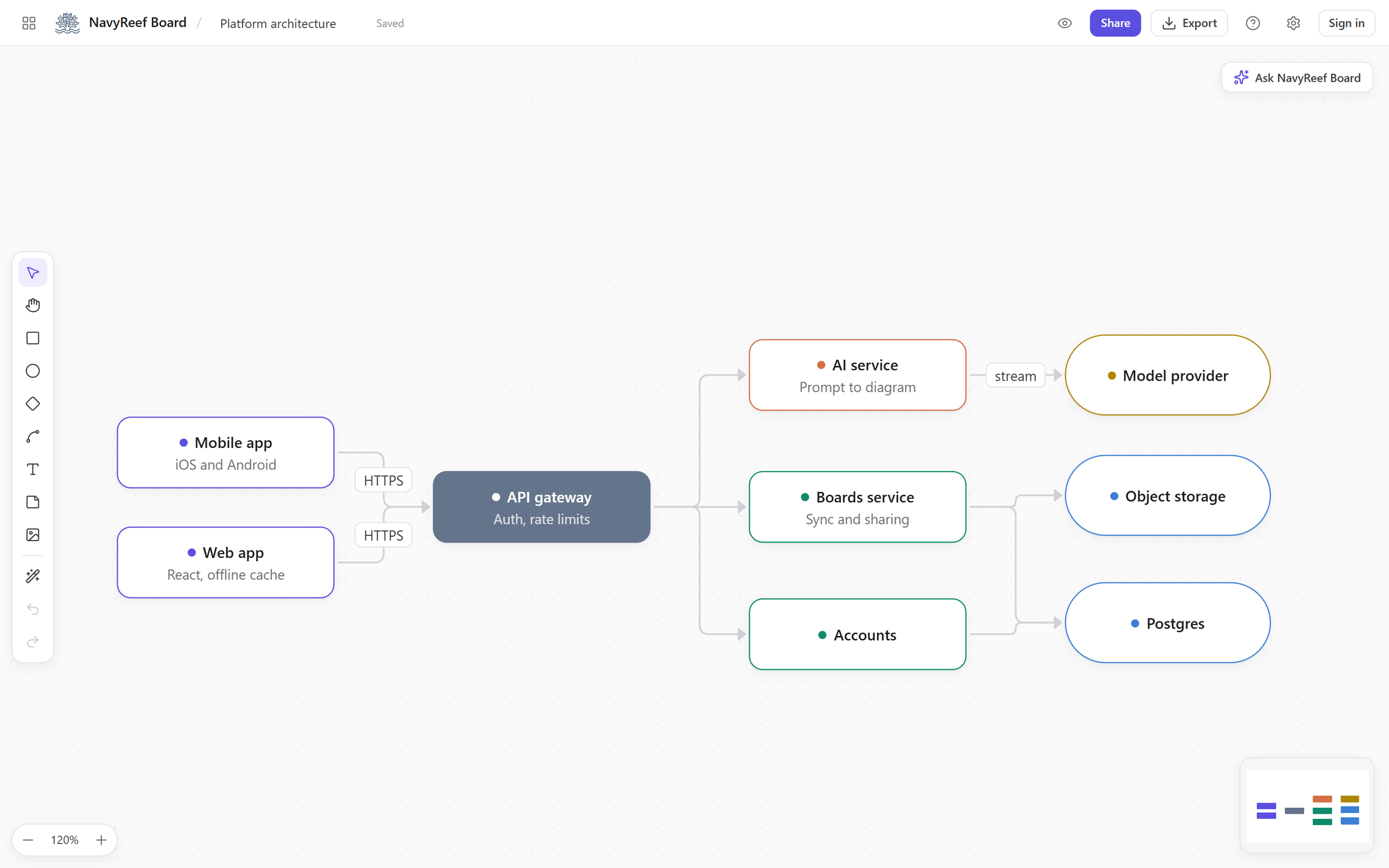
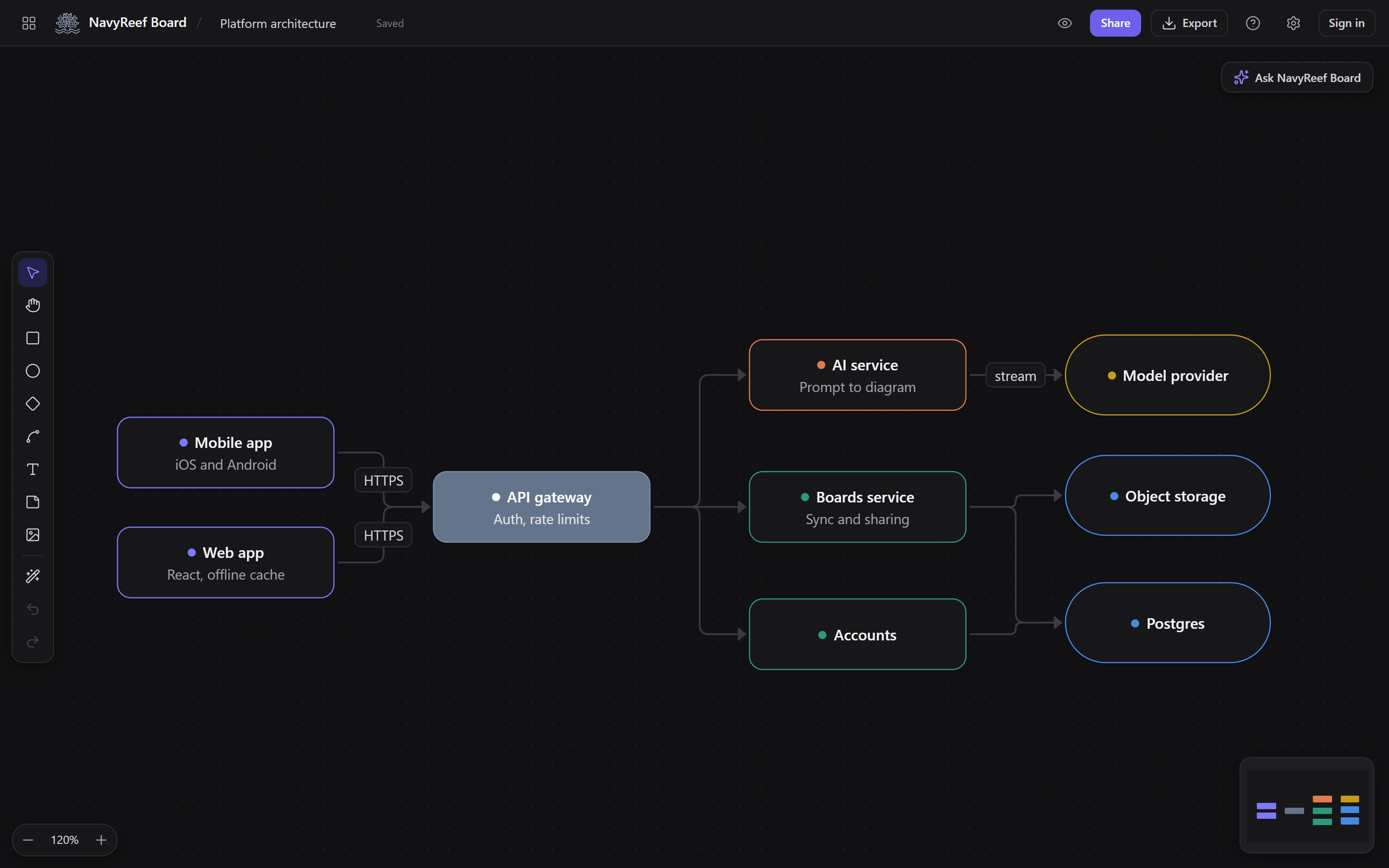
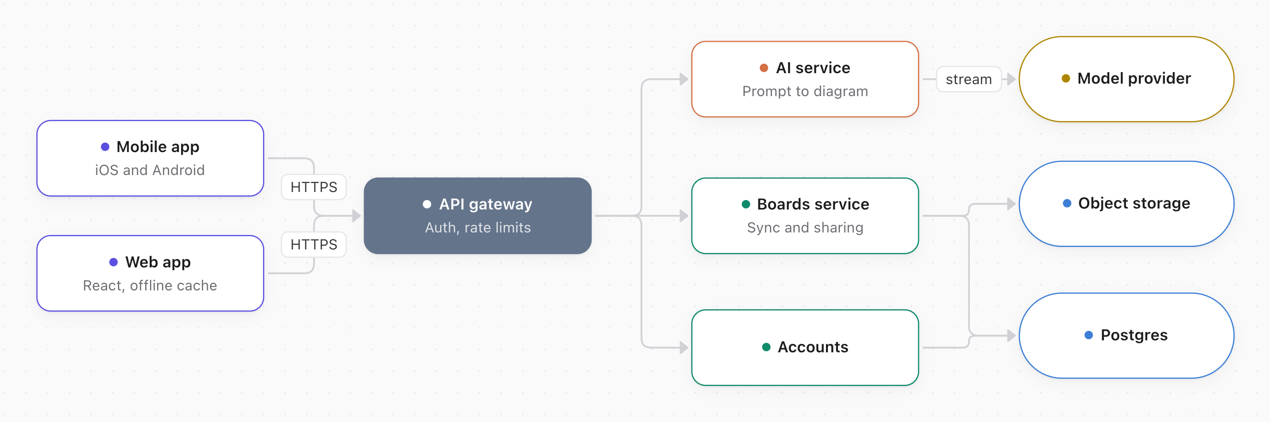
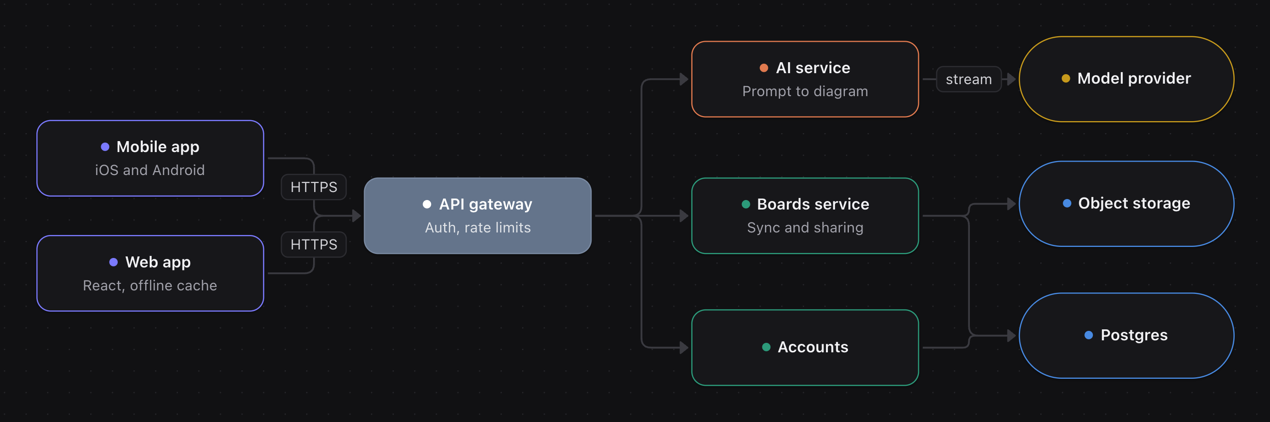
A diagram whiteboard with AI built in
Drag blocks by hand, or ask for a whole flow and watch it land on the canvas.
Your turn: drag a block, or drag from a dot to connect two.
A simplified preview built for this page, not the real app. NavyReef Board also has text and sticky blocks, pictures, Tidy up, sharing and export. Drawing needs no connection; asking for a diagram does.
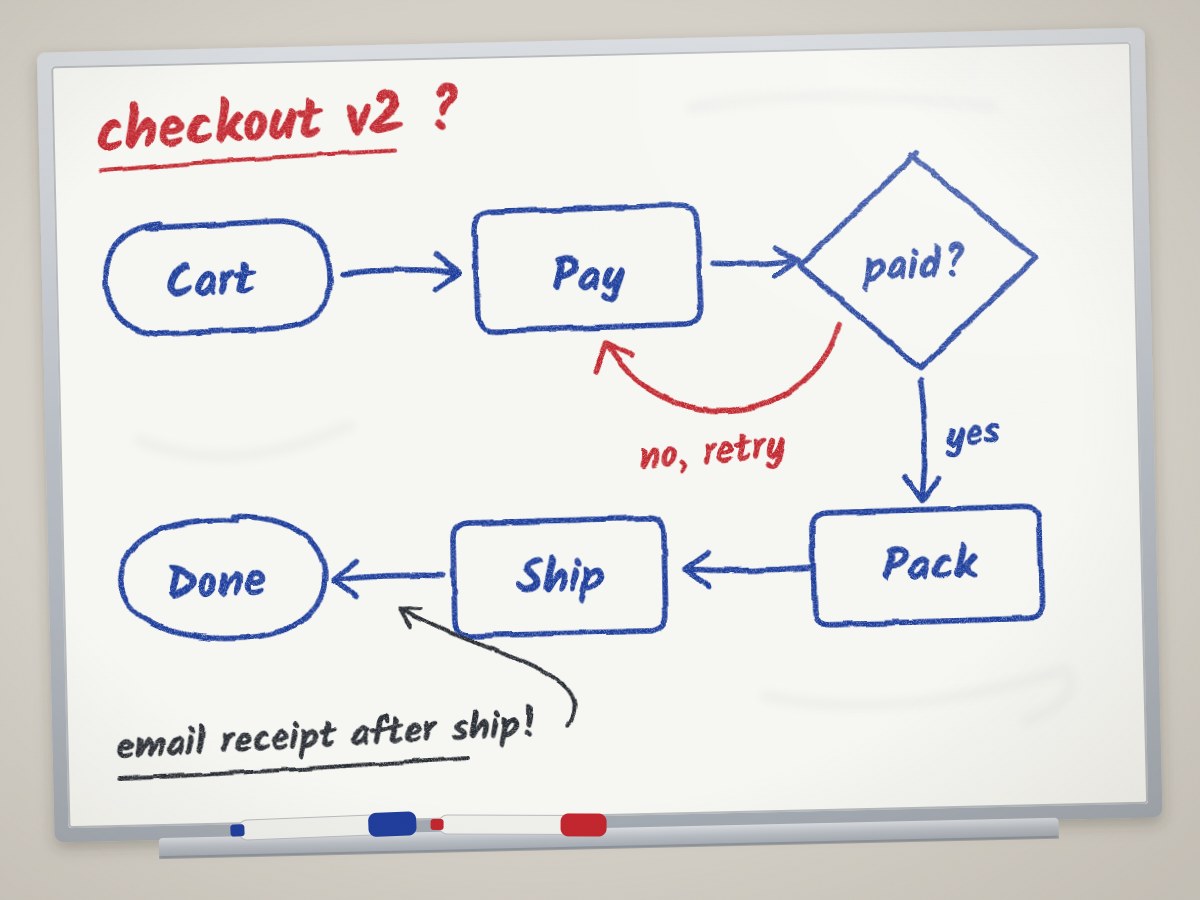
02 From a photo
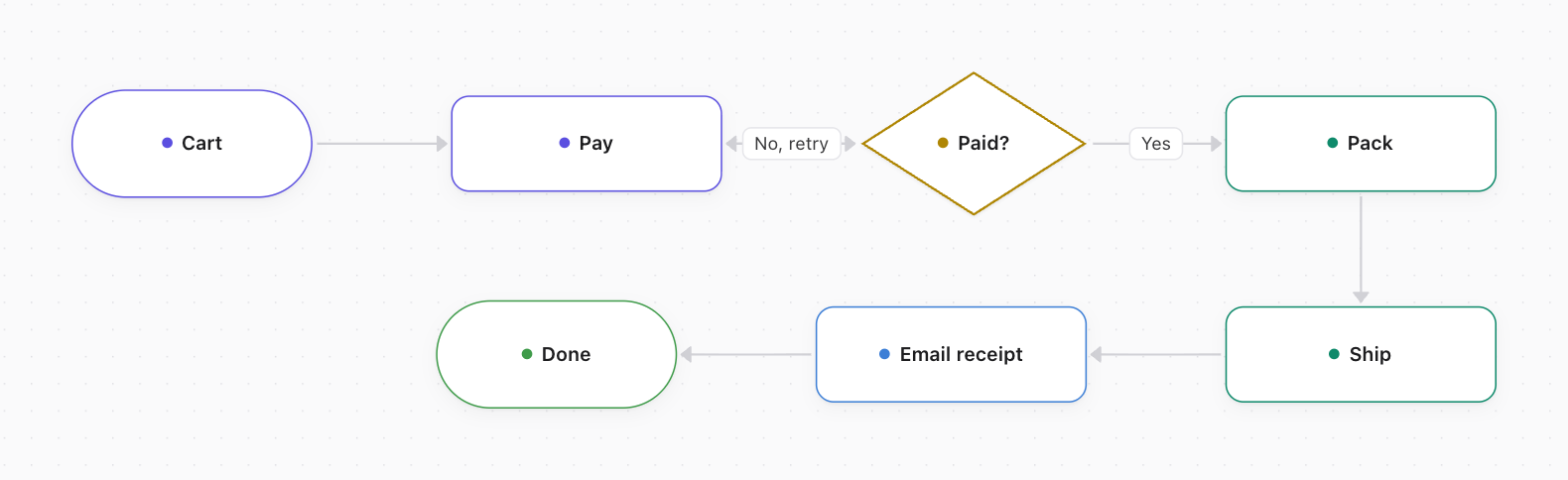
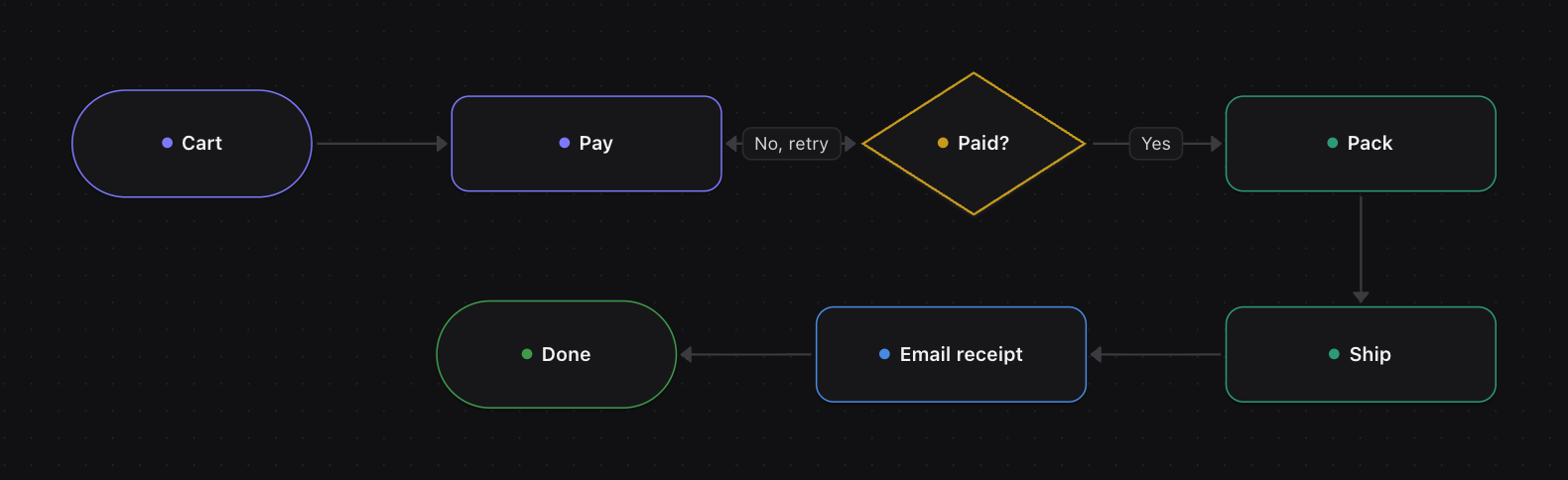
Snap the whiteboard after the meeting. Ask reads the boxes, arrows and notes and rebuilds them as blocks you can move, recolour and share.
03 Tidy up
Tidy up lines up every block and reroutes the connectors. It is free and never uses an AI request.
04 Around the canvas
Every edit is saved on your device first, so the board keeps working on a plane. If a save ever fails, you see it straight away.
Invite people by email as editors or viewers. Change a role or remove someone at any time.
PNG for slides, SVG that stays sharp in documents, or the board file to edit later.
Transparent backgroundPick the look of the app, from Paper to Midnight. Your diagrams keep their own colours.
Menus and messages, and you can ask for a diagram in your own words.
05 Pricing
Everything on the canvas is free. Pro gives Ask more room and keeps your chats for a year.
For drawing, sharing and trying Ask.
$0
No card. Sign in when you want to use Ask.
$7/month or $60/year
06 Questions
On your device first. Every edit is saved in your browser's storage, and you can draw without an account. When you sign in and share a board, a copy is kept on our server so the people you invite can open it.
Not to draw. Ask and sharing need a free account, so the monthly AI requests can be counted. You can sign in with Google, or with your email and a password; a new account is confirmed with a 6-digit code we email you.
Your message, any pictures you attach, and the parts of the board Ask needs for the change. It goes through our server to our AI provider, DeepSeek. Pictures are not stored on our server; in your chat history they stay on your device.
Yes. Once the app has loaded, you can open, edit and create boards without a connection. Ask and sharing wait until you are back online.
Any time. Export the whole board or a selection as PNG or SVG, or save the board file (JSON) to open again later. You can also back up every board on your device into one file.
Delete a board or a chat in the app and it is removed. To delete your account, open Settings > Account > Delete account in the app: after you sign in again, it deletes your account and the boards you own on our server. If you cannot sign in, email [email protected].
Free covers everything on the canvas and 30 AI requests a month. There are no paid plans yet.